Grid Co





Layouts
215 layouts in 16 families, from classic grids to hearts and honeycomb.
Templates
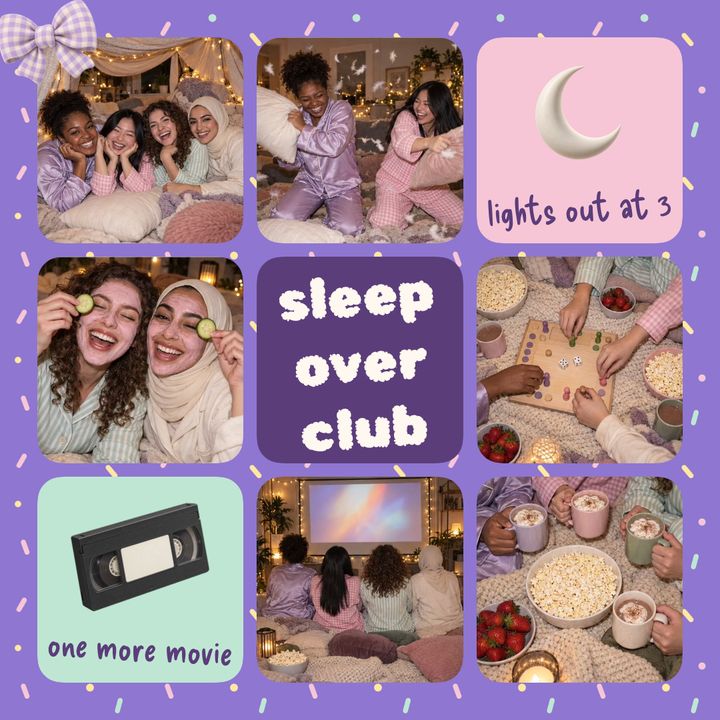
Start from a finished design with text, stickers and frames in place. Add your photos. Categories include Love, Family, Pets, Travel, Lifestyle and Special days.



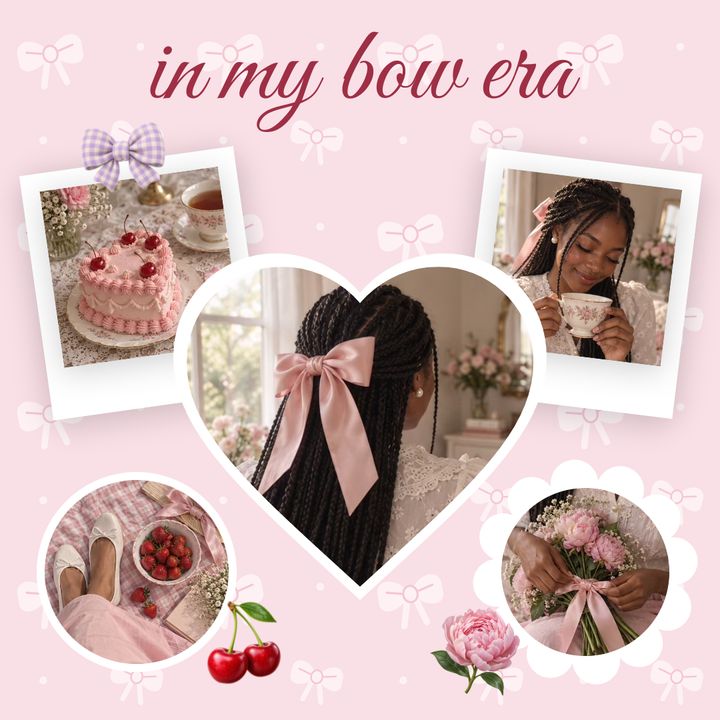

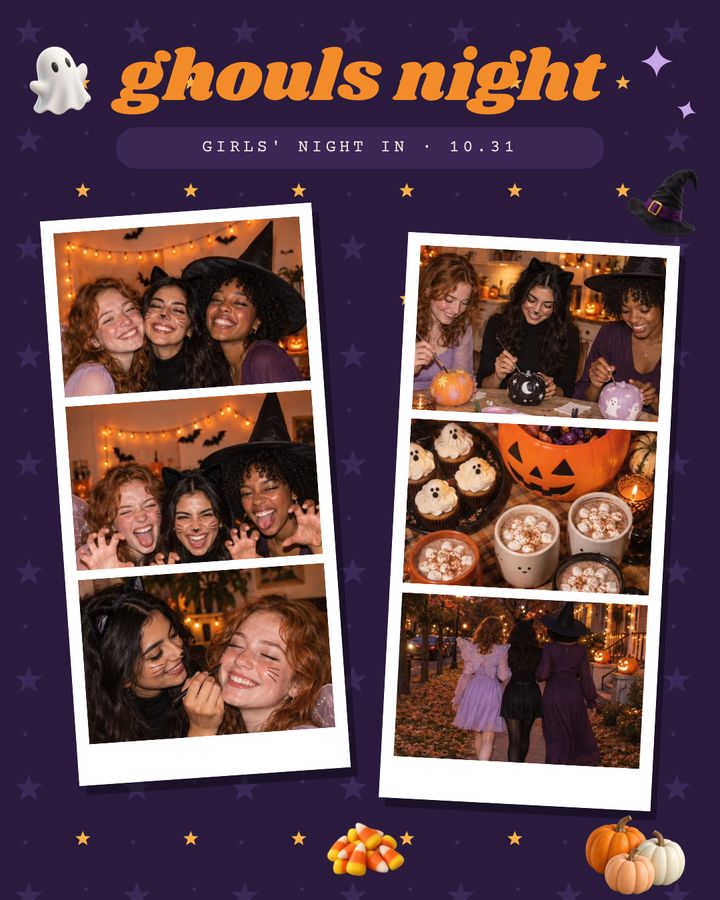


184 templates · love, family, pets, travel, fashion and special days
Browse collage templates Lifestyle templatesInstagram formats
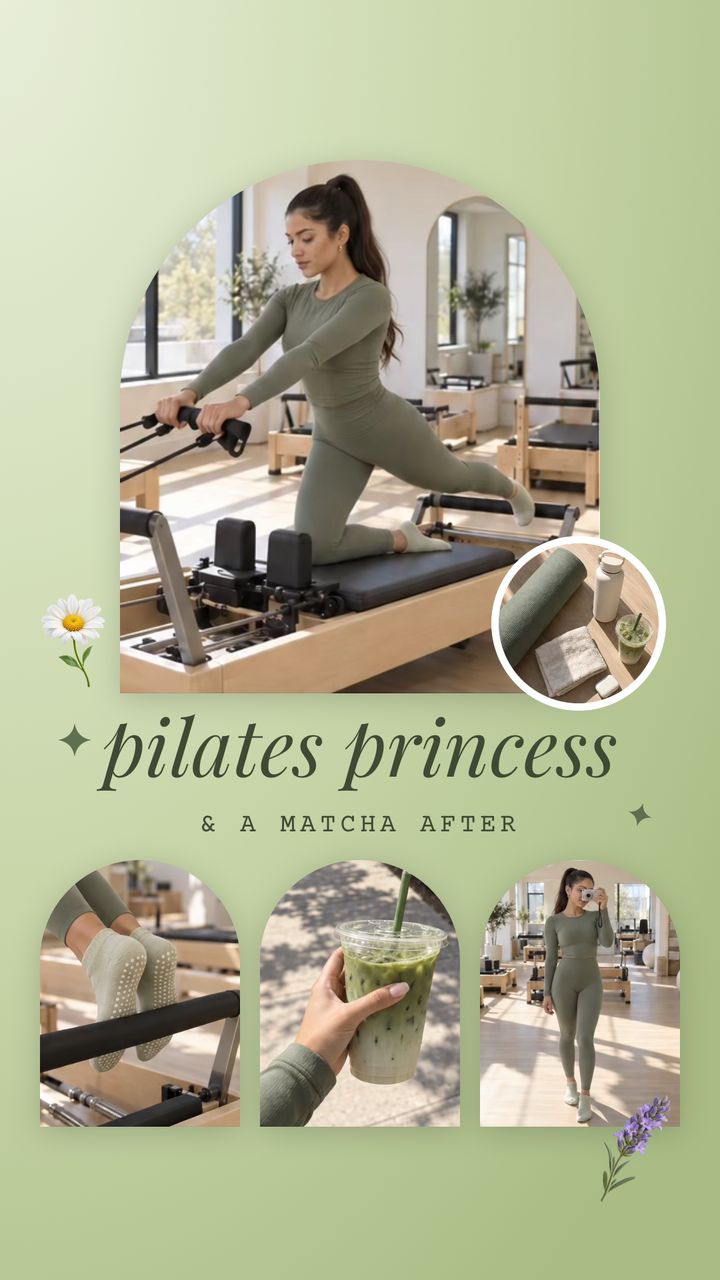
Choose a format and save it at Instagram size.
Full-screen 9:16 for Instagram Stories, 4:5 portrait for the feed and the classic 1:1 square.
One image split into 1–3 rows of tiles for your profile grid, numbered in posting order.
Instagram Grid MakerCreative tools
Layouts, fonts, backgrounds, frames, stickers and a photo editor in one place.
215 layouts in 16 families, from classic grids to hearts and honeycomb.
48 font families with bold and italic.
62 backgrounds: color, gradient, pattern, texture, wallpaper or your own photo.
Polaroid, film, torn paper and shadow.
Add stickers, text and shapes to any collage.

Crop, straighten, 4 adjustments and 8 filters.
Grid Co Premium
Choose Monthly or Yearly.All 215 layouts stay free, with or without Premium.
 Grid Co
FAQ
Yes, Grid Co is a free download. The optional Grid Co Premium subscription (Monthly or Yearly) removes the watermark and unlocks every premium template.
No, Grid Co has no account or sign-in. Saved images carry no location data.
A seamless carousel is one design that continues across 2–20 slides. Photos and text can cross slide edges, and Grid Co saves every slide to Photos as its own image, in order.
Grid Co splits one design into 3 columns and 1–3 rows of 1080×1440 tiles. After saving, the app shows the posting order, starting with the bottom-right tile, so your profile shows the full picture.
Story 9:16 (1080×1920), Portrait 4:5 (1080×1350), Post 1:1 (1080×1080) and profile grid 3:4 (1080×1440). Grid Co saves straight to Photos at Instagram size.
Free exports carry a small "Grid Co" watermark. Grid Co Premium removes it.