 Grid Co
Updated
Pinterest Collage Maker
A Pinterest collage maker puts several photos into one picture you can save and pin. Grid Co is a free iPhone app with tall Portrait 4:5 (1080×1350) and Profile Grid 3:4 (1080×1440) formats, aesthetic Vision board templates and 215 layouts. It does not connect to Pinterest, so you upload the saved picture yourself.



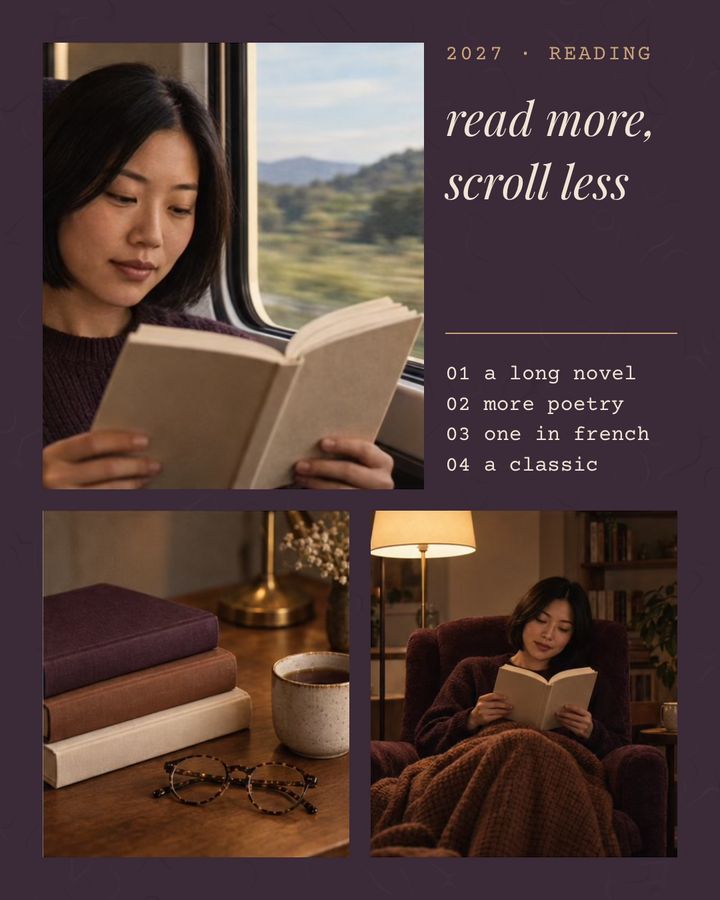
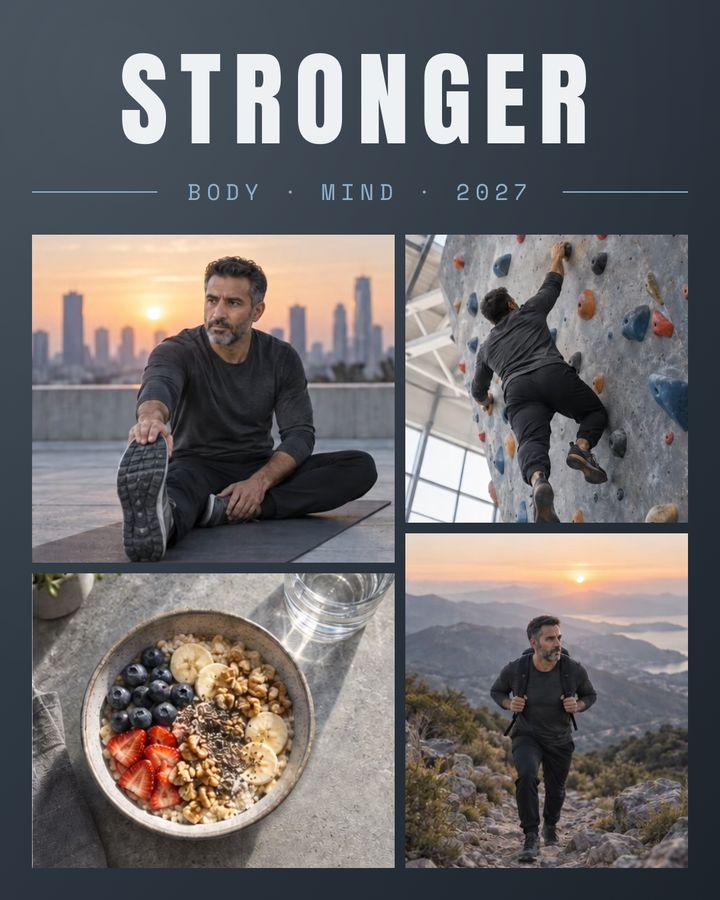
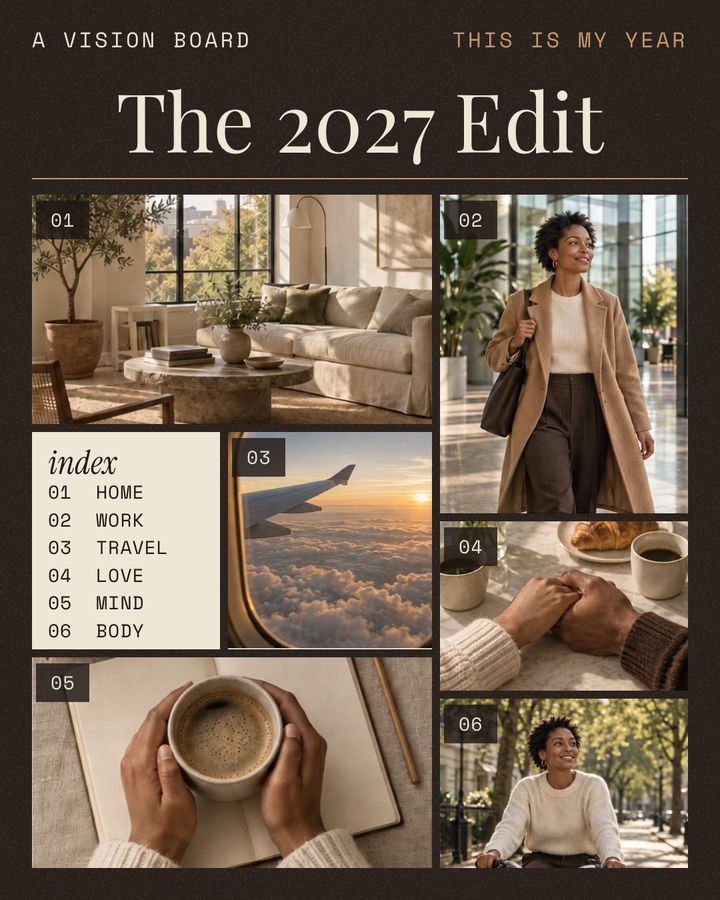
How it works
- Tap Format and pick Portrait 4:5, a tall shape for a pin.
- For an aesthetic look, open Trends and choose the Vision board category, or use any layout.
- Add photos in the iOS picker. Keep them to one mood or color palette.
- Choose a Background, add a Frame such as Polaroid or Film, and type a title with Add, then Text.
- Tap Share, then Save Image. Open Pinterest and create the Pin from Photos.
- Tall formatsPortrait 4:5 saves 1080×1350, and Profile Grid 3:4 saves 1080×1440.
- Vision board templatesReading List, Stronger and The 2027 Edit are Portrait 4:5 templates in a category of 10.
- Aesthetic details62 designed backgrounds, 8 filters, and frames such as Polaroid, Film and Torn paper.
What size is a Pinterest collage?
A Pinterest collage can use any Grid Co format, but Pinterest recommends a 2:3 ratio, or 1000 × 1500 pixels, for standard pins. Grid Co has no 2:3 format. Its tall ones, Portrait 4:5 and Profile Grid 3:4, are shorter than 2:3, and Story 9:16 is taller.
| Grid Co format | Ratio | Saved size | Compared with 2:3 |
|---|---|---|---|
| Profile Grid | 3:4 | 1080×1440 | Shorter, but taller than 4:5 |
| Portrait | 4:5 | 1080×1350 | Shorter and wider |
| Post | 1:1 | 1080×1080 | Square, much shorter |
| Story | 9:16 | 1080×1920 | Taller, might be cut off |
Source: Pinterest Business Help, checked October 2026: Review ad specs (2:3 recommendation; taller pins might get cut off in feeds).
How to Make an Aesthetic CollageHow do you make a Pinterest aesthetic collage?
A Pinterest aesthetic collage keeps to one mood: a few colors, matching photos and plenty of space. In Grid Co, start from a Vision board template or an empty layout, choose a soft background, and add a frame or a short title. Then save it and pin it from the Pinterest app.
- One color palette across every photo
- A pale or textured background behind the photos
- A wider Margin for a clean border
- One Frame style, such as Polaroid
- A short title in a single font
- A light filter on photos that clash
The Vision board category in Trends has 10 templates, in mixed formats (5 Portrait 4:5, 3 Post 1:1 and 2 Story 9:16). Reading List, Stronger and The 2027 Edit are Portrait 4:5. To restyle one, open the Background tool: its Gradient, Pattern, Texture and Wallpaper tabs hold 62 designed backgrounds, or you can use a plain color or your own photo. Text uses 48 font families and 201 stickers are ready to place. Grid Co has no Pinterest category and does not create pins or boards.
FAQ
Frequently asked questions
Does Grid Co post to Pinterest or make boards?
No. Grid Co has no link to Pinterest. Share opens the iOS share sheet, and Save Image puts the JPEG in Photos. Then you make the pin and pick the board in Pinterest.
Is there a 2:3 pin size?
No. Grid Co has no 2:3 format and no 1000×1500 size. For a tall picture, choose Portrait 4:5 or Profile Grid 3:4.
Will a Story-size collage be cut off?
Pinterest says pins taller than 2:3 might get cut off in feeds, and Story 9:16 is taller than 2:3. Portrait 4:5 and Profile Grid 3:4 are both shorter than 2:3.
Can I make a vision board?
Yes. The Vision board category in Trends has 10 templates in mixed formats. You can also build one on any layout with text and stickers.
What does it cost?
Grid Co costs nothing to start, and all 215 layouts are open. Premium is an optional upgrade for exports without the small "Grid Co" mark, plus the Premium templates.
Which iPhones can run it?
Any iPhone on iOS 26 or later. There is no sign-up, and photos are not uploaded.
