 Grid Co
Diwali · Family photo memories
Diwali lights photo collages
The lights, the people and the small moments make each celebration yours. Bring your Diwali photographs together in a collage that gives family portraits and festive details room to shine.

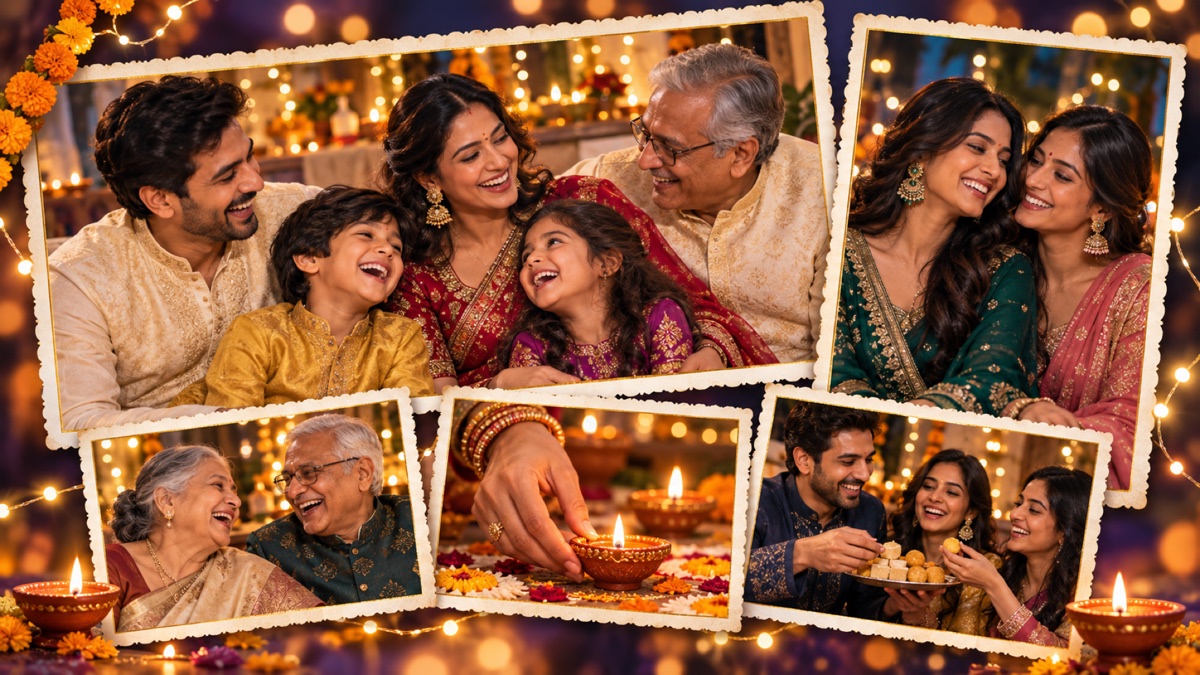
Family firstStart with the people who shared the day.
Light and detailAdd a diya or festive scene beside the portraits.
Save to PhotosExport the collage from your iPhone.
How it works
How to make a Diwali photo collage
Use a mix of portraits and details to remember the whole celebration.
- Choose a family photograph, a candid moment and one or two photos of lights or decorations.
- Open Grid Co and choose a collage layout or a light-themed template that suits your photos.
- Arrange the portraits first. Add the smaller details, a warm background or a short greeting if you like.
- Choose Story, Post or Square and tap Share to save the collage to Photos.
Three details to include
- The gatheringA group photograph shows who celebrated together.
- The glowA light or diya photograph brings the setting into the story.
- A personal momentA smile, meal or small gesture makes the collage your own.
Questions
Diwali collage questions
Can I use my own Diwali photos?
Yes. Add photographs from your iPhone to a Grid Co template or collage layout and arrange them in the editor.
Which sizes can I save?
Grid Co supports Story 9:16 (1080×1920), Post 4:5 (1080×1350) and Square 1:1 (1080×1080).
Are collage layouts free?
Yes. All 215 layouts are free. Free exports carry a small Grid Co watermark, which the optional Premium subscription removes.

Make a collage of your Diwali memories.