 Grid Co
For cat people · Photo memories
Cat photo collage ideas
One cat can have many moods. Put the curious stare, the favorite nap spot and the playful moment together so the collage feels like your cat, not just a row of pictures.

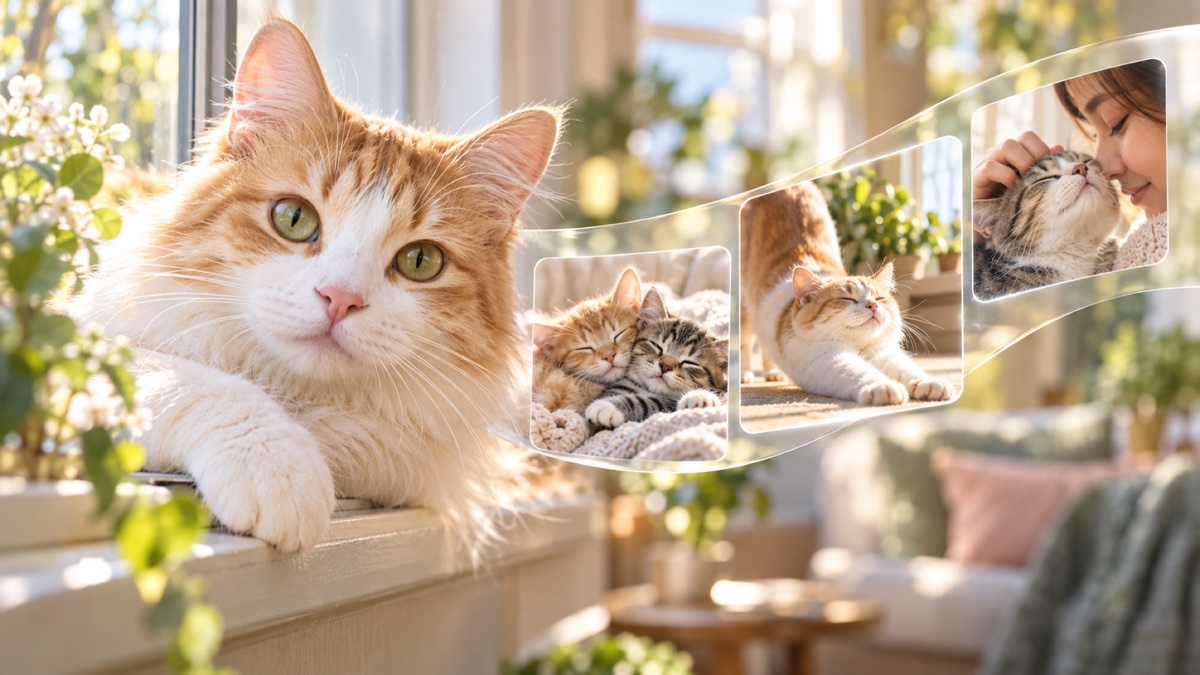
Pick the momentsMix a portrait with play and quiet time.
Shape the collageChoose a free layout, then adjust spacing and corners.
Keep or shareSave the finished image to Photos.
How it works
How to make a cat photo collage
A little variation in distance and mood makes the photos work together.
- Choose a clear portrait of your cat, one action shot and a photo of a familiar place or habit.
- Open Grid Co and choose a collage layout that gives the portrait the most space.
- Add the remaining photos. Adjust spacing and corners, then add a background or a short name label.
- Choose Story, Post or Square and tap Share to save the collage to Photos.
Three photos that tell more
- The portraitStart with the eyes or expression you know best.
- The habitA favorite window, toy or sleeping spot makes the story specific.
- The contrastPair a lively photo with a calm one for variety.
Questions
Cat collage questions
Can I use my own cat photos?
Yes. Add photos from your iPhone to a Grid Co layout and arrange them in the editor.
Can I adjust the collage layout?
Yes. Grid Co lets you change layouts and adjust spacing, margin and corner radius.
Which sizes can I save?
Grid Co supports Story 9:16 (1080×1920), Post 4:5 (1080×1350) and Square 1:1 (1080×1080).

Make a collage of your cat’s best moments.