 Grid Co
Halloween · Costume and party photos
Halloween costume photo collages
The costume reveal is only one part of the night. Gather the group photo, a candid laugh and the details you almost missed into a collage that keeps the whole Halloween story together.

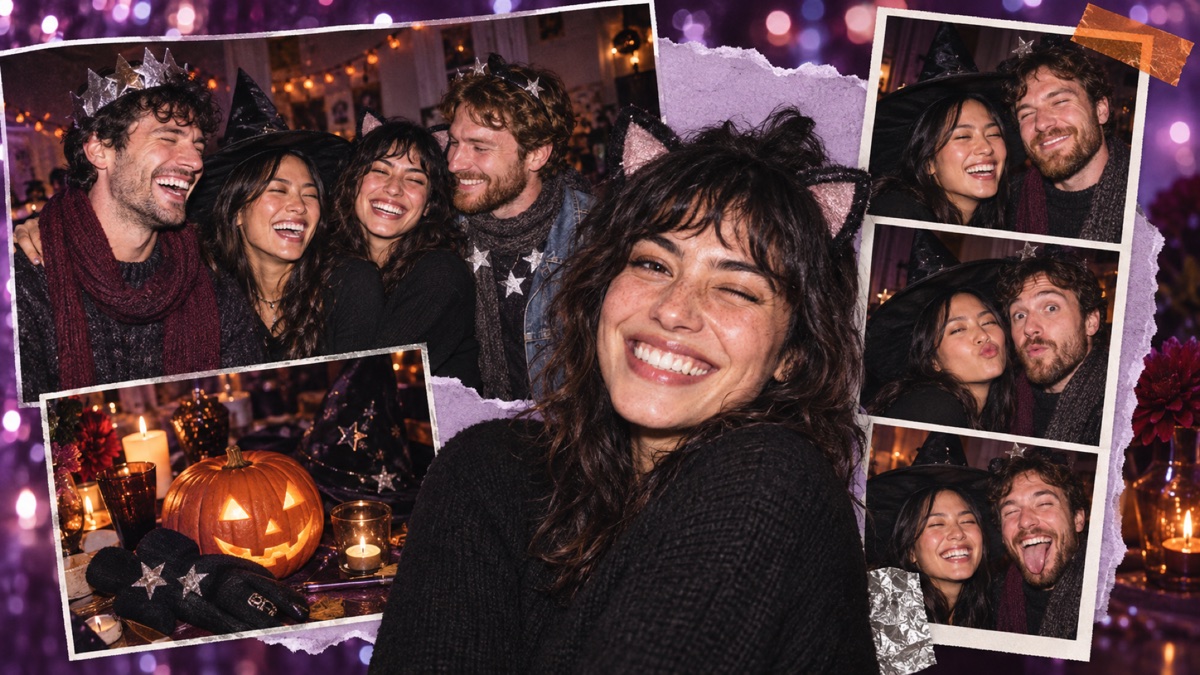
Costumes togetherCombine a close-up with the group photo.
A playful layoutUse a template or free grid with room for details.
Ready to shareSave at Instagram Story, Post or Square size.
How it works
How to make a Halloween costume collage
Build the story around the people first, then add the atmosphere.
- Pick a costume portrait, a group shot and one or two party details from your iPhone.
- Open Grid Co and choose a Halloween template or a free collage layout.
- Arrange the photos. Add a dark background, a playful sticker or a short caption if it fits the mood.
- Choose Story, Post or Square and tap Share to save the collage to Photos.
Three shots worth keeping
- The revealGive the clearest costume photo the most space.
- The groupA candid group shot shows who shared the night.
- The detailA pumpkin, makeup close-up or decoration adds atmosphere.
Questions
Halloween collage questions
Can I use my own costume photos?
Yes. Add your iPhone photos to a Grid Co template or collage layout and arrange them in the editor.
Does Grid Co have Halloween templates?
Yes. Halloween is one of the ready-made template themes in Grid Co. You can also start with a free layout.
Do I need an account?
No. Grid Co does not require an account or sign-in to make and save a collage.

Make a Halloween collage from your own photos.